
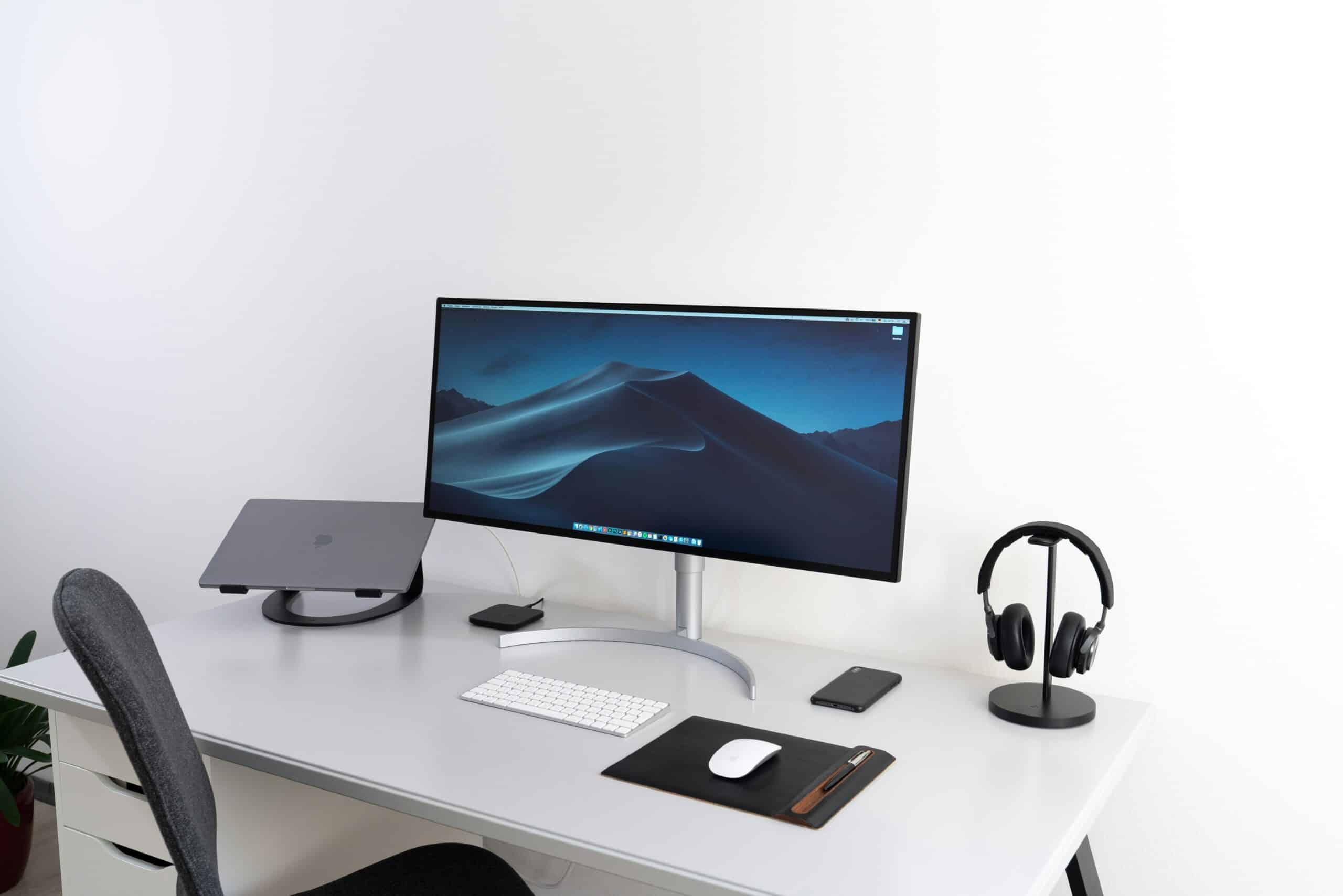
1. Ergonomic Chairs: Support Where It Counts
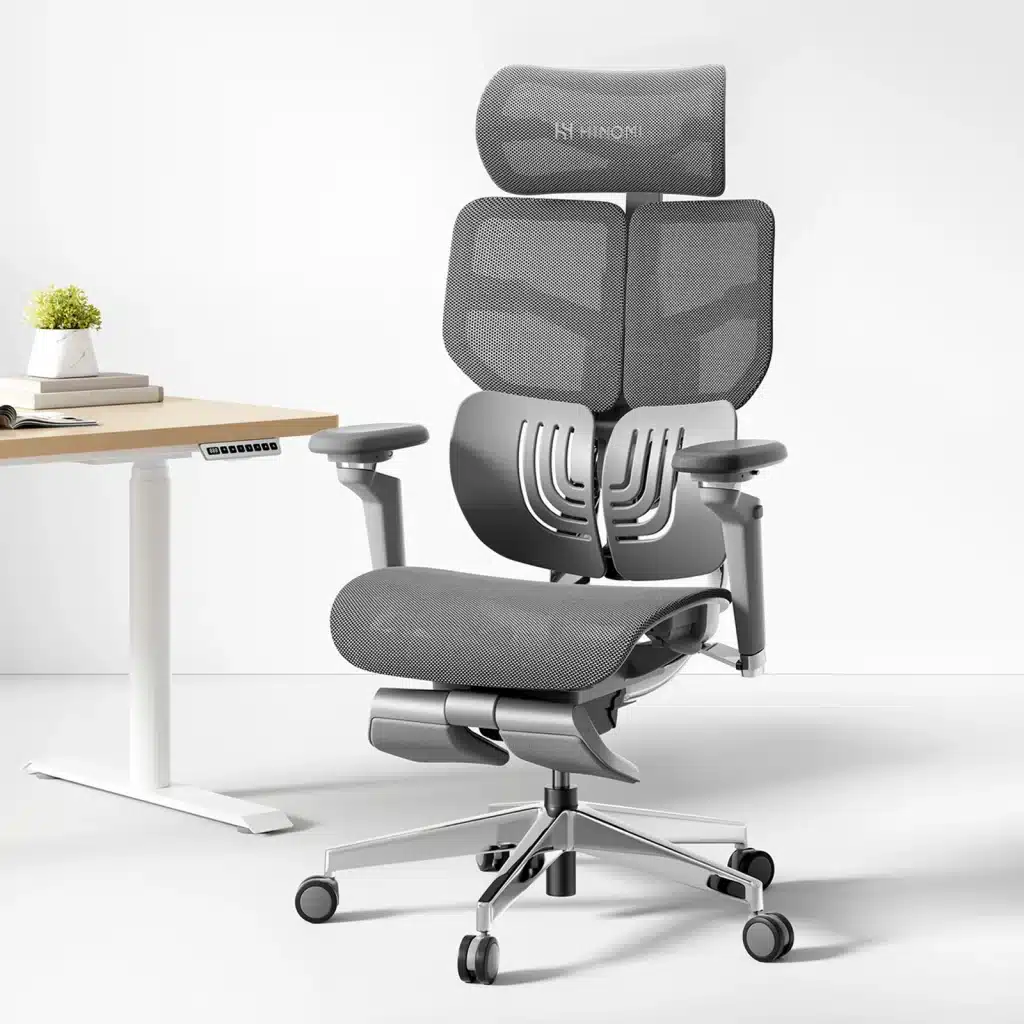
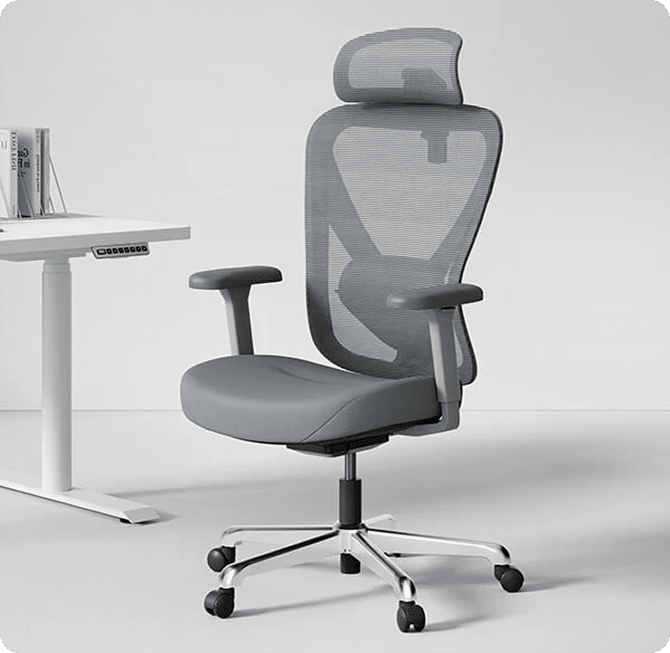
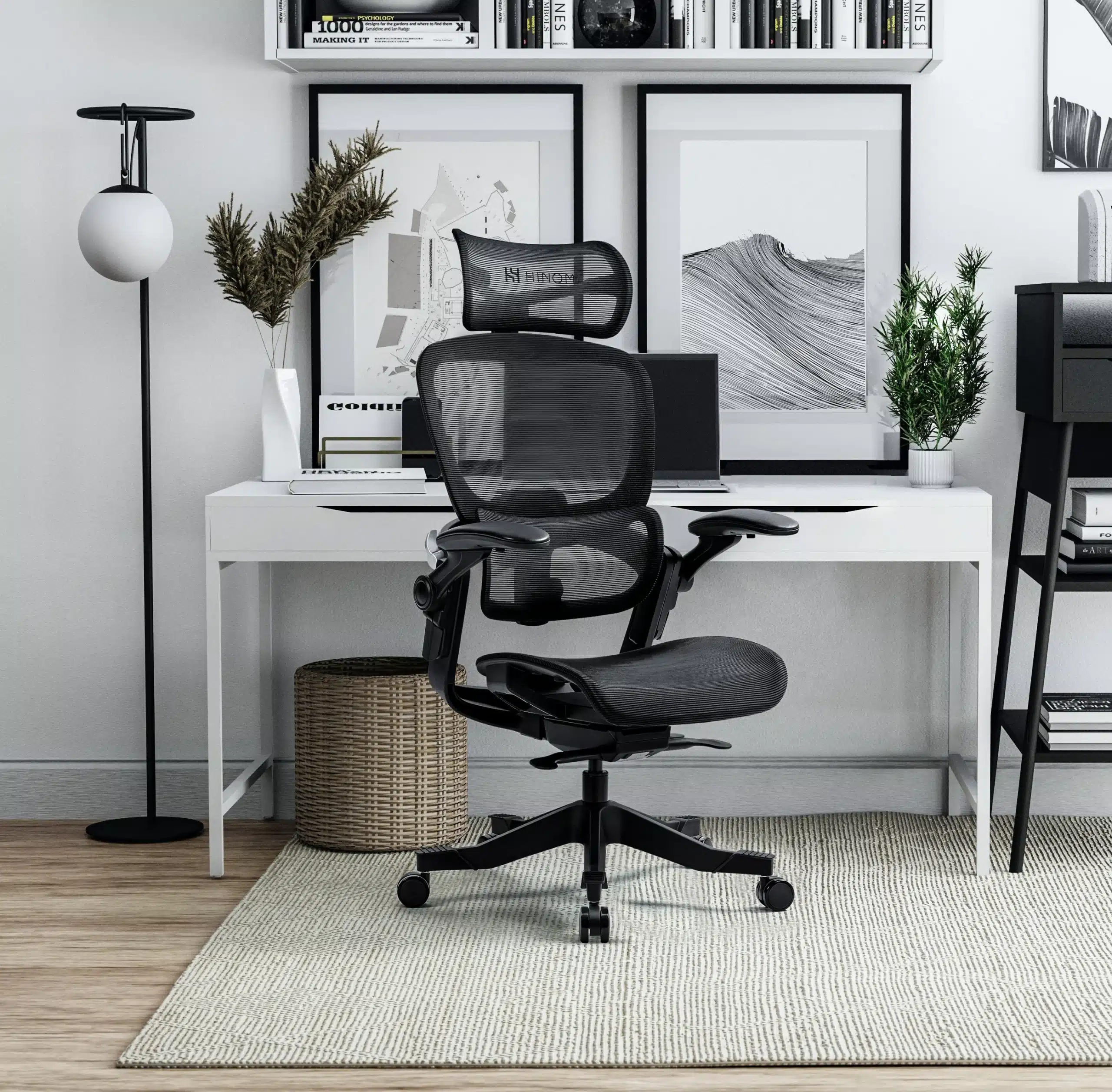
The chair is arguably the most important piece of office equipment. Look for these features:
- Adjustable Seat Height: Your feet should rest flat on the floor, with thighs parallel to the ground. Chairs with pneumatic adjustment levers are ideal.
- Lumbar Support: A chair with built-in lumbar support helps maintain the natural curve of your lower back, reducing strain.
- Seat Depth and Width: Make sure there’s enough room to sit comfortably, with 2–4 inches between the back of your knees and the seat.
- Adjustable Armrests: They should allow your arms to rest comfortably with relaxed shoulders and elbows at about a 90-degree angle.
- Breathable Materials: Mesh or fabric backs help with airflow, especially if you tend to sit for long periods.
- Swivel and Casters: A chair that moves easily can prevent awkward stretching and straining.
2. Desks: More Than Just a Surface
Desks are often overlooked in ergonomic discussions, but they matter just as much. Here’s what to consider:
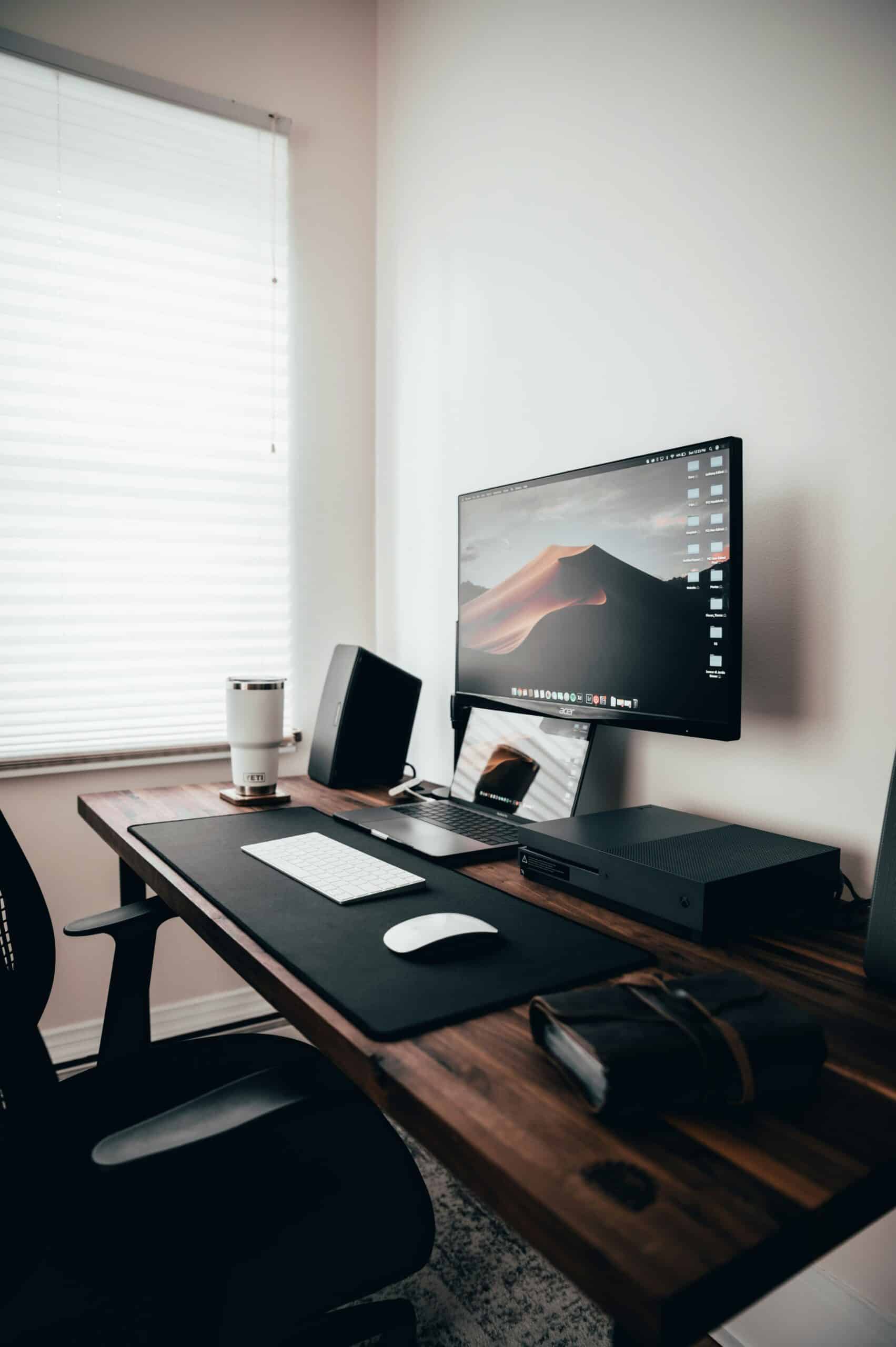
- Proper Height: For most people, a desk height of 28 to 30 inches works well, but this depends on your height and chair setup. Your elbows should be at a 90-degree angle when typing.
- Adjustable or Sit-Stand Options: Sit-stand desks allow you to change positions throughout the day, which helps reduce fatigue and improve circulation.
- Surface Space: Ensure there’s enough room for your monitor, keyboard, and other tools without feeling cluttered.
- Cable Management: A clean setup reduces trip hazards and distractions.
3. Monitor and Accessories Placement
Even with the right desk and chair, how you position your accessories can make or break your setup:
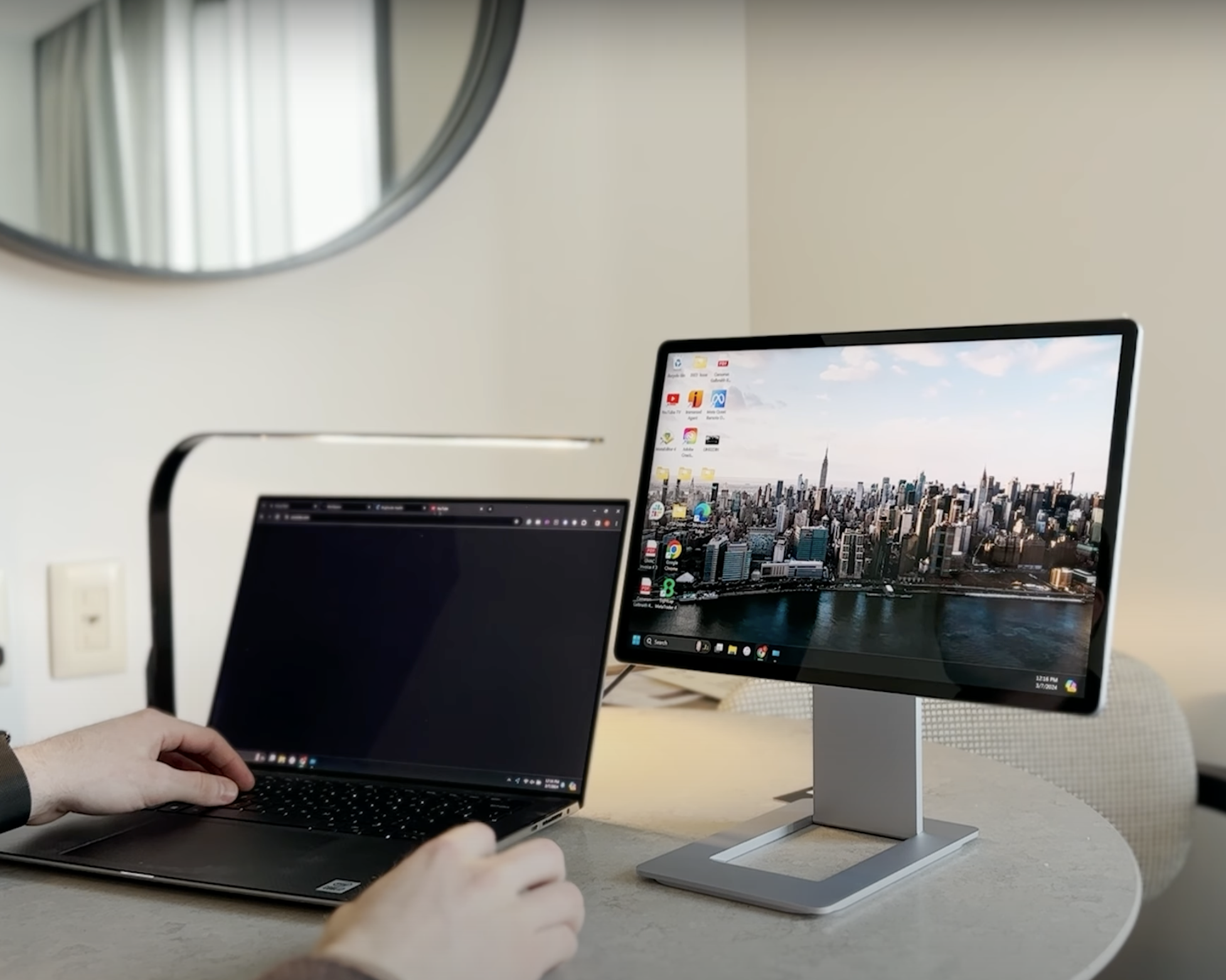
- Monitor Height: The top of your screen should be at or slightly below eye level to avoid neck strain.
- Keyboard and Mouse: These should be at a height that keeps your wrists straight and relaxed. Consider a keyboard tray if needed.
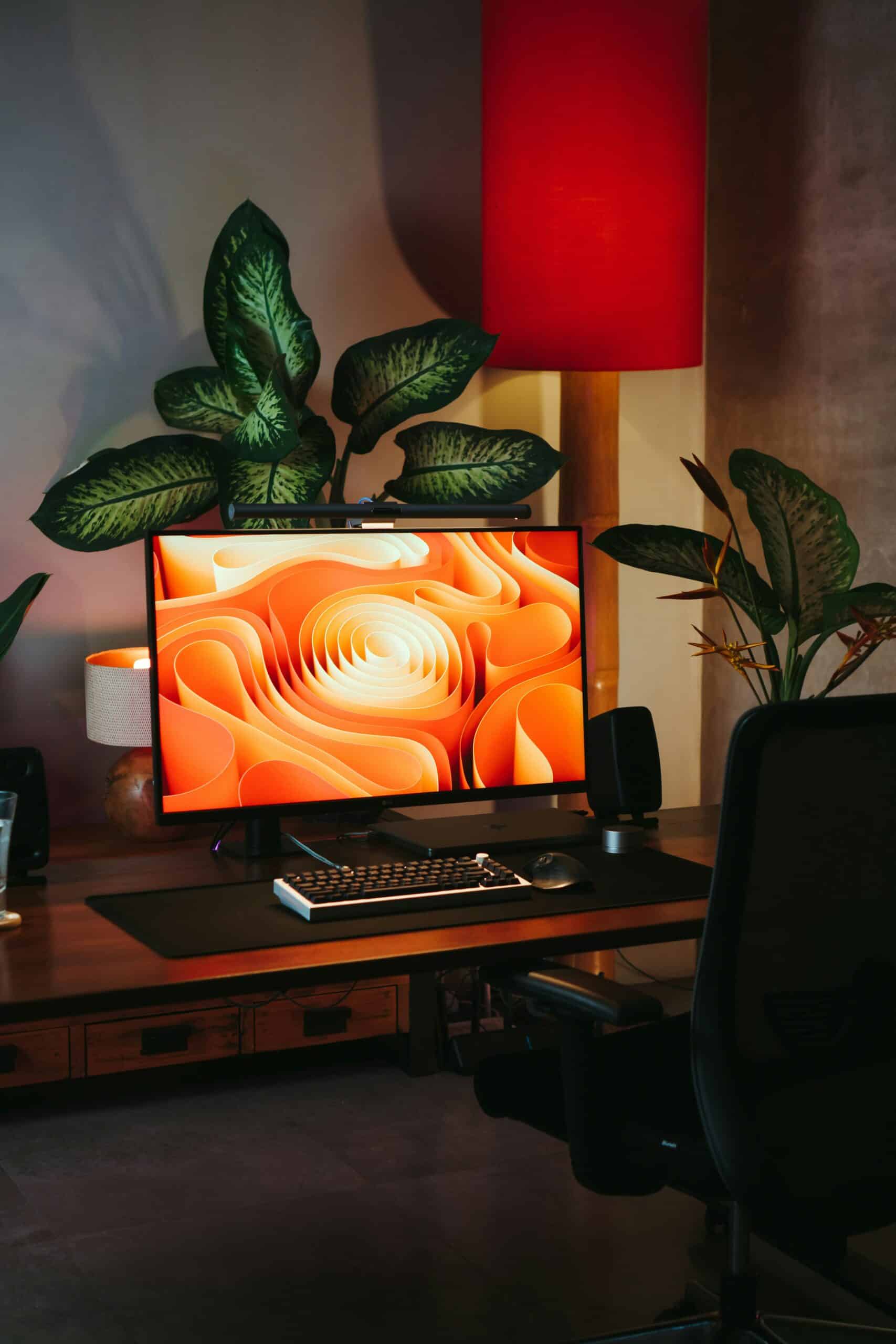
- Lighting: Good task lighting reduces eye strain. Try to position your desk near natural light, but avoid glare on screens.
4. Additional Tips for a Healthy Workstation
- Footrests: If your feet don’t touch the ground, a footrest can provide the necessary support.
- Desk Mats or Cushions: Anti-fatigue mats are great for standing desks. Cushions can help relieve pressure when sitting.
- Take Breaks: No matter how ergonomic your setup is, it’s important to stand, stretch, and move every 30–60 minutes.
Spending a bit more upfront on ergonomic office furniture can save you from physical discomfort and medical bills later on. Focus on adjustability, support, and how each piece fits your body and working style. After all, a well-designed workspace isn’t just about comfort—it’s about taking care of your health while staying productive.